

← What it does
Keep the schedule full
A booking page with real open times
Where it stands:Works today
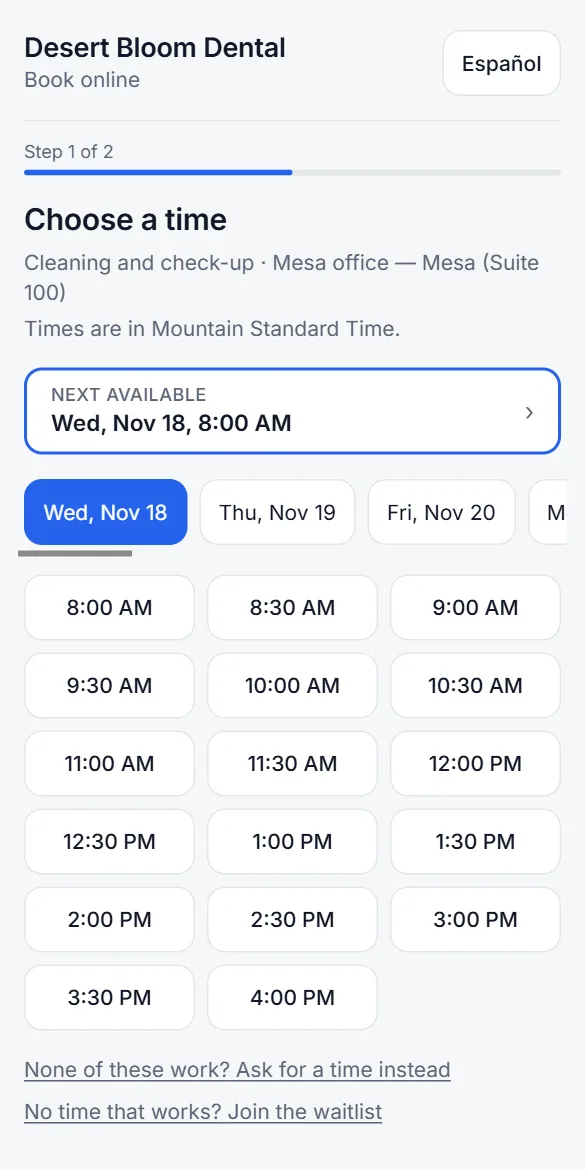
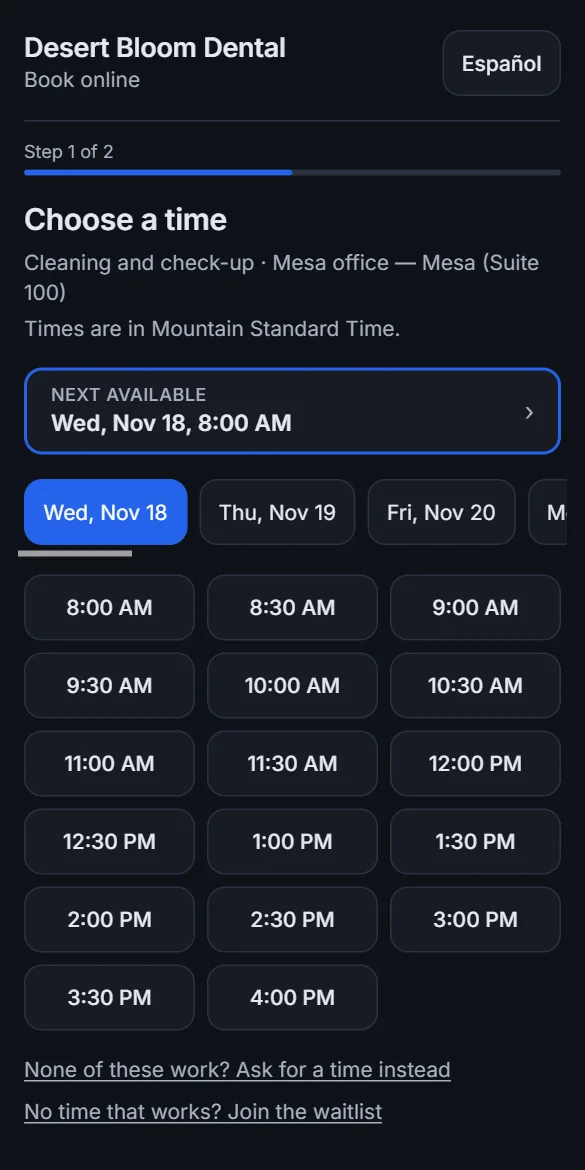
Patients pick an office, a visit, and a real open time, and the time is held while they finish. Each visit gets its own page, where the patient confirms, picks a new time, or cancels.
Sample practice
What your team does
- The booking page is off until you turn it on under Settings → Booking. Put its link on your website's Book online button and in your Google Business Profile. Works today
- Times follow your booking hours and the notice you set, from an hour to a week. Works today
- Choose whether bookings go straight on your calendar or wait for your team to confirm each one. Works today
- A patient with 2 or 3 missed visits in a year gets a request your team confirms. Works today
- A link can open on one office, visit, or provider, for an office's own web page or a provider's bio. Works today
- Practices on NexHealth can link it, so open times come from the practice software and bookings go back to it. In testing
- The Dentrix sync agent keeps times already taken in Dentrix from being offered. In testing
What patients see
- Next available holds the first open time, or they pick a day and a time over the next three weeks. The page names the time zone. Works today
- The time is held for ten minutes while they enter their name and mobile number. Works today
- In English and Spanish, with a switch at the top. Works today
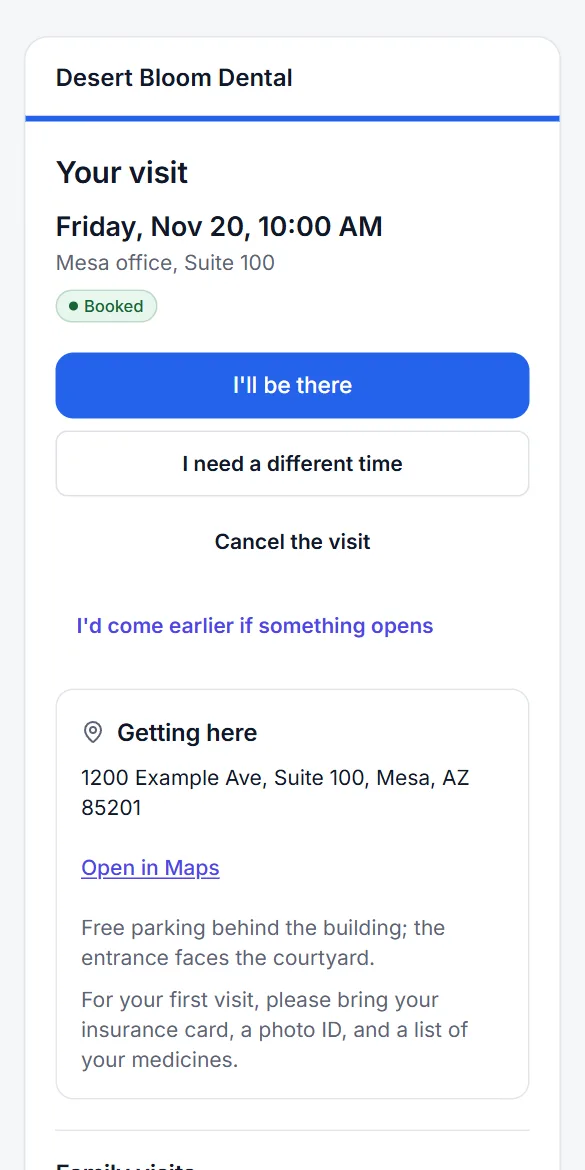
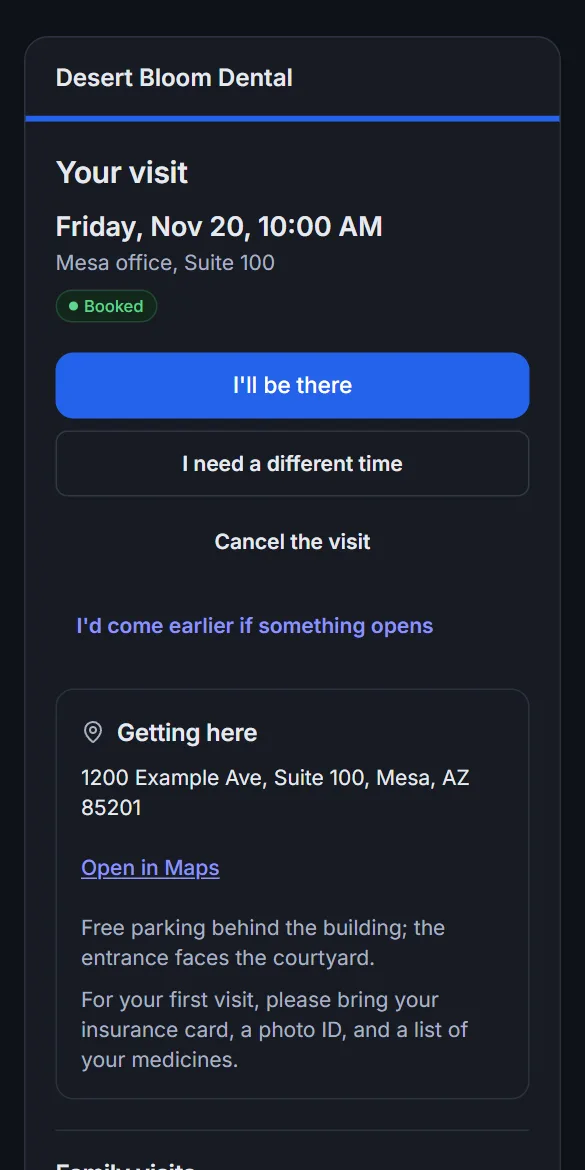
- After booking: Add to my calendar, directions, and your note about parking or the entrance. Works today
- The visit link: I'll be there, I need a different time, or cancel. The current time stays booked until they pick a new one. Works today
- On the day, I'm here and Running late tell the front desk. Works today
Sample practice
The visit link
What it never does
- Ask why the patient is coming, or about symptoms: only the visit type.
- Offer a time sooner than your booking notice.
- Drop the current visit before a new time is picked.
- Show anything about other patients: only open times.
What it runs on
Works today means it works without our help. In testing means built, and not yet verified with a live account. Not yet means planned.
- Built-in schedulerWorks today
- Your hours, appointment types, and providers; visitors book or request a time in chat.
- NexHealthIn testing
- Bookings, reschedules, and recall due dates. Tested against NexHealth's published API; not yet with a live practice.
- Dentrix sync agentIn testing
- A small read-only program on your office server sends appointment times, and patient names, phone numbers, and email addresses only if you choose that level. Tried with made-up data only; not yet run against a live Dentrix server. Dentrix Ascend isn't connected.
In Help
Questions
- Do bookings go straight on our schedule?
- Only if you choose that. Otherwise each booking is a request your team confirms under Approvals. A patient with repeated missed visits always gets a request.
- Does it work with our practice software?
- Practices on NexHealth can link it, and Dentrix offices can use the Dentrix sync agent; both are in testing. Otherwise the page offers times from the hours you set, or takes requests your team confirms.
- Can parents book for their children?
- Yes. At a dental practice the page asks who the visit is for: Me, My child, or Someone else.
- What if the held time runs out?
- They can still finish. If someone else took the time, they are shown other times.
- How does a patient change a visit?
- Through the visit link: I need a different time shows open times at the same office, and the current time stays booked until they pick one.
More of what it does
- Reminders and confirmationsReminders patients answer: a yes confirms the visit, and a change goes to your front desk.Read more
- Waitlist and schedule fillWhen a time frees up, matching patients get an offer that expires, and the first yes is booked.Read more
- RecallUp to three invitations a cycle, each with a booking link of the patient's own, stopping when they book.Read more
- Website chat and after hoursA chat on your website that offers real open times, and says when you open next while you're closed.Read more
- Missed-call text-backA missed call opens a callback on the Front desk, and the caller gets a text they can answer.Read more
- ReviewsEvery patient asked the same way after a visit, and a 1 or 2 star rating becomes a call from your office.Read more
- Front desk and huddleEach office's day on one screen, with the next action for every item, and a one-page huddle for the morning meeting.Read more
- Reports and ResultsWhat ReplyTurbine did, counted from your own records, and reports with one set of definitions for every office.Read more
Everything for a dental practice, on one page: ReplyTurbine for dental practices.
See it with your own practice
Tell us about your offices and the software you use, and we'll say what works for you today and what is still in testing.