

 For dental practices
Answer every patient, even when the front desk is on the phone.
ReplyTurbine answers your website chat and patient messages, offers real open times, sends reminders and recall, and follows up on no-shows. Anything clinical or unclear goes to your team.
Look around an example practice first. It's a made-up practice with sample patients. Your own setup waits for you.
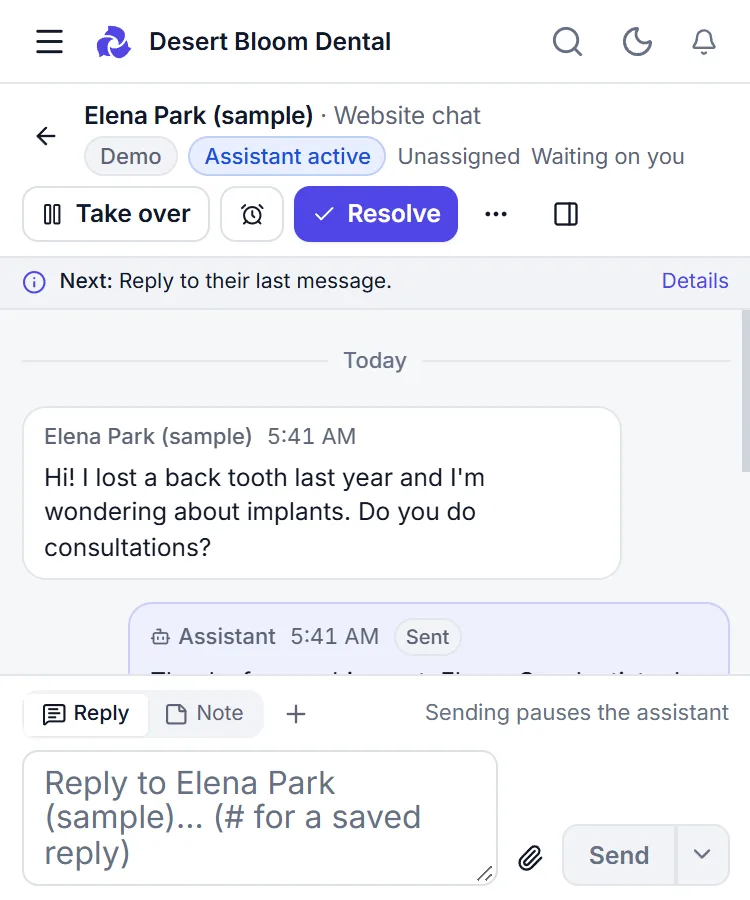
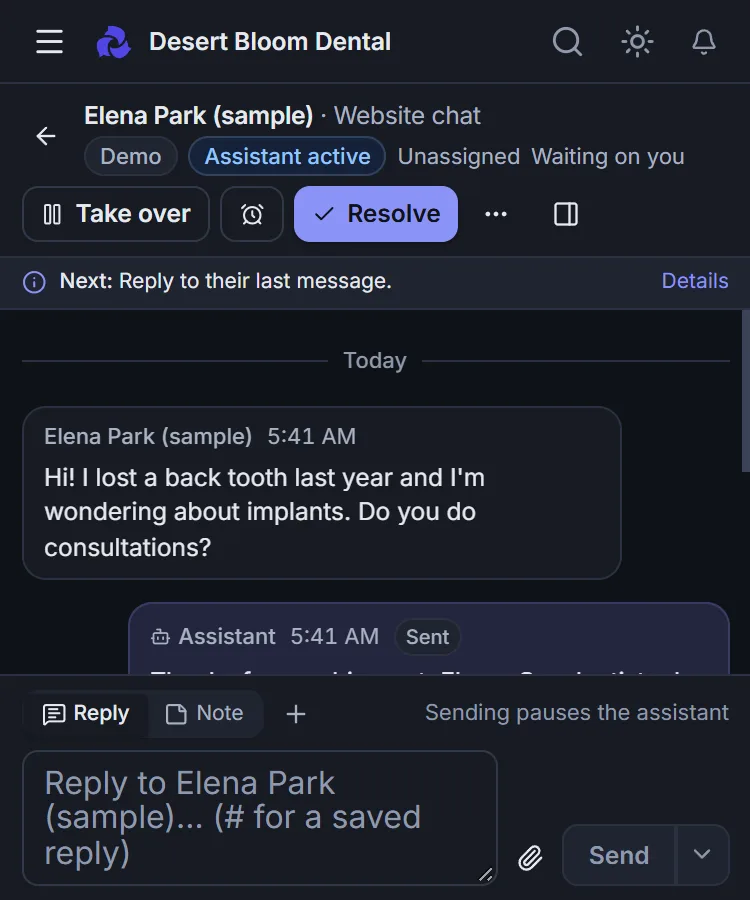
- Never diagnoses or confirms coverage
- You choose what goes out on its own
- A person can take over any conversation
It starts switched off, with replies as drafts and patient outreach off. Add sample patients to try it; nothing goes to real patients until you turn it on.
Works with
Built in needs nothing connected; the rest shows where each one stands today. Is my system supported?
Built in
- Online booking page
- Built-in scheduler
- Visit links
- Review page
- Reminders by email
Works today
- Website chat
- Any email inbox
- Your website's contact form
- Slack
- Google Chat
- Zapier and Make
In testing
- NexHealth
- Dentrix (sync agent)
- Gmail
- Microsoft 365
- Google Calendar
- CallRail
- RingCentral
- Aircall
- Twilio texting· your own account
- Facebook Messenger and Instagram
Where to start
One practice
Watch a day at an example practice, then see what it does for a dental office.
Several offices
Each office keeps its own hours, booking, and front desk, and you see every office in one place.
Not a dental office?
Other businesses get a starting setup in their own words.
Fill the schedule
Turn questions into booked visits
Patients ask in website chat or by message and are offered real open times at the right office. Each office decides how booking works.
- Booking or request mode: patients book an open time, or ask for one and your team confirms it
- A booking notice per office, so same-day times are offered only if you allow them
- A waitlist: a freed time goes to matching patients, and the first yes is booked
- Missed calls become callbacks, with an optional text back (phone systems and texting are in testing and need your own account)
Keep the schedule
Keep the visits you booked
Reminders go out before each visit, and a patient's reply does the bookkeeping.
- Reminders two days and two hours before each visit (texts need your own texting account; in testing)
- Smart confirmations: a patient's “yes” marks the visit patient-confirmed
- Repeat no-show protection: bookings from patients who keep missing visits wait for your team
- Follow-up after a no-show or a cancellation, stopping when they rebook
Bring patients back
Reach the patients you haven't seen
Due dates come from your practice software or a list you import, and every series stops when the patient books.
- Recall: up to three invitations a cycle
- Reactivation: a gentler series for patients you haven't seen in 18 months
- Unscheduled treatment: a check-in when a plan hasn't been scheduled, without naming it
- Each one drafted for your approval, sent on its own, or off
Sync with your practice software is in testing. Until it is live for you, every booking is a request your front desk confirms.
Your biggest cases
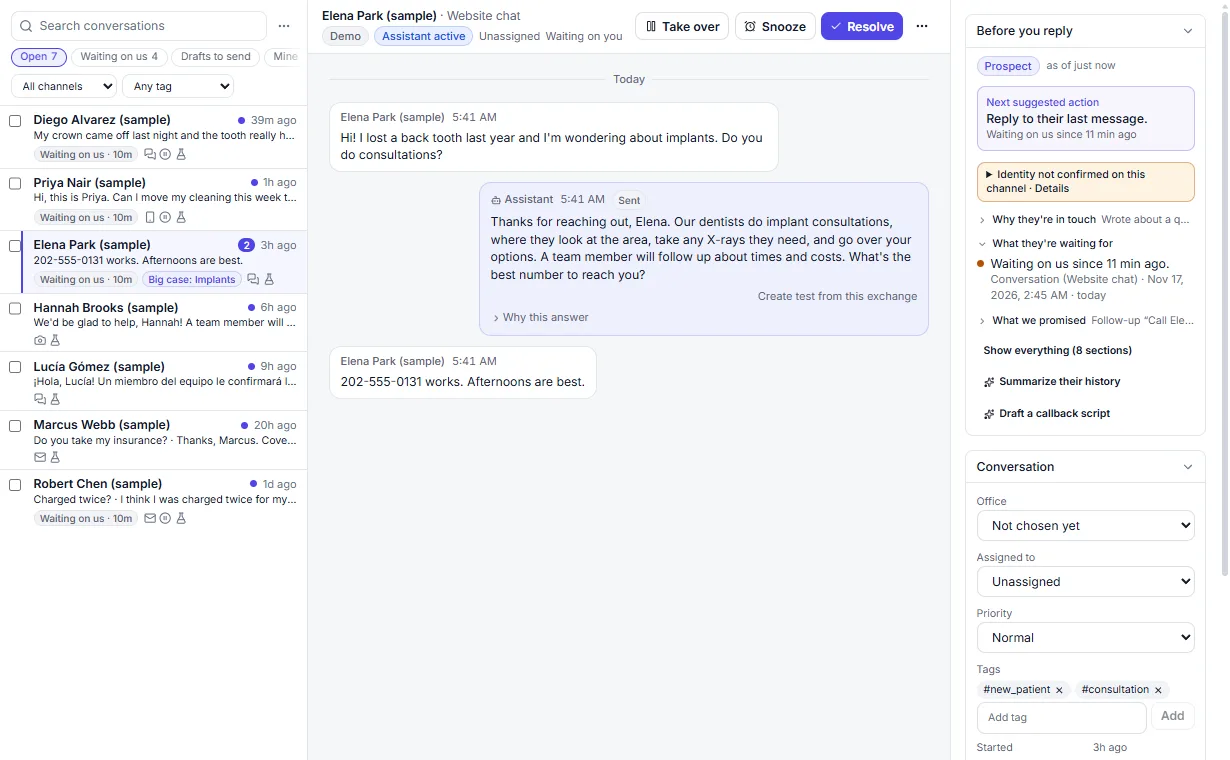
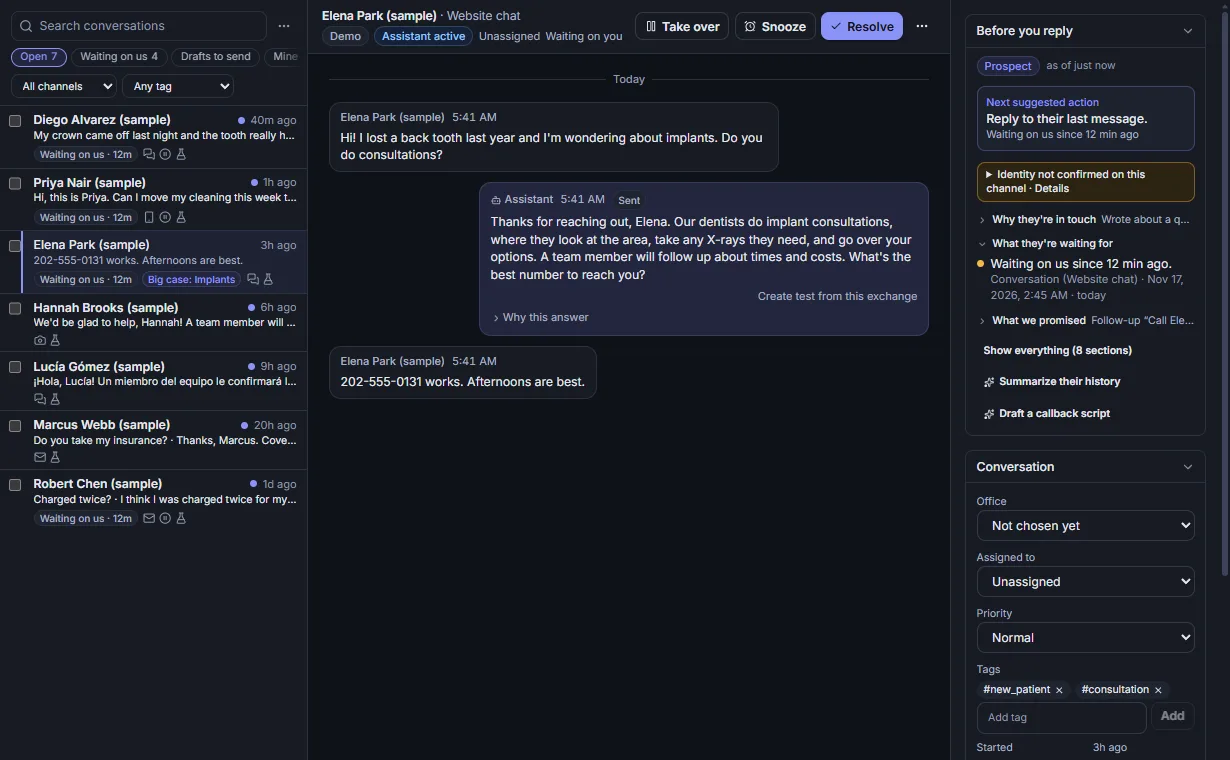
Follow up on Invisalign, veneers, implants, and All-on-X
Each kind of inquiry gets its own follow-up, written for that treatment, until a consultation is booked.
- A reply within minutes during your sending hours
- What to expect at the consultation, and the usual questions answered
- Follow-up after the consultation, until treatment is accepted or scheduled
- A Big cases report from first inquiry to accepted plan

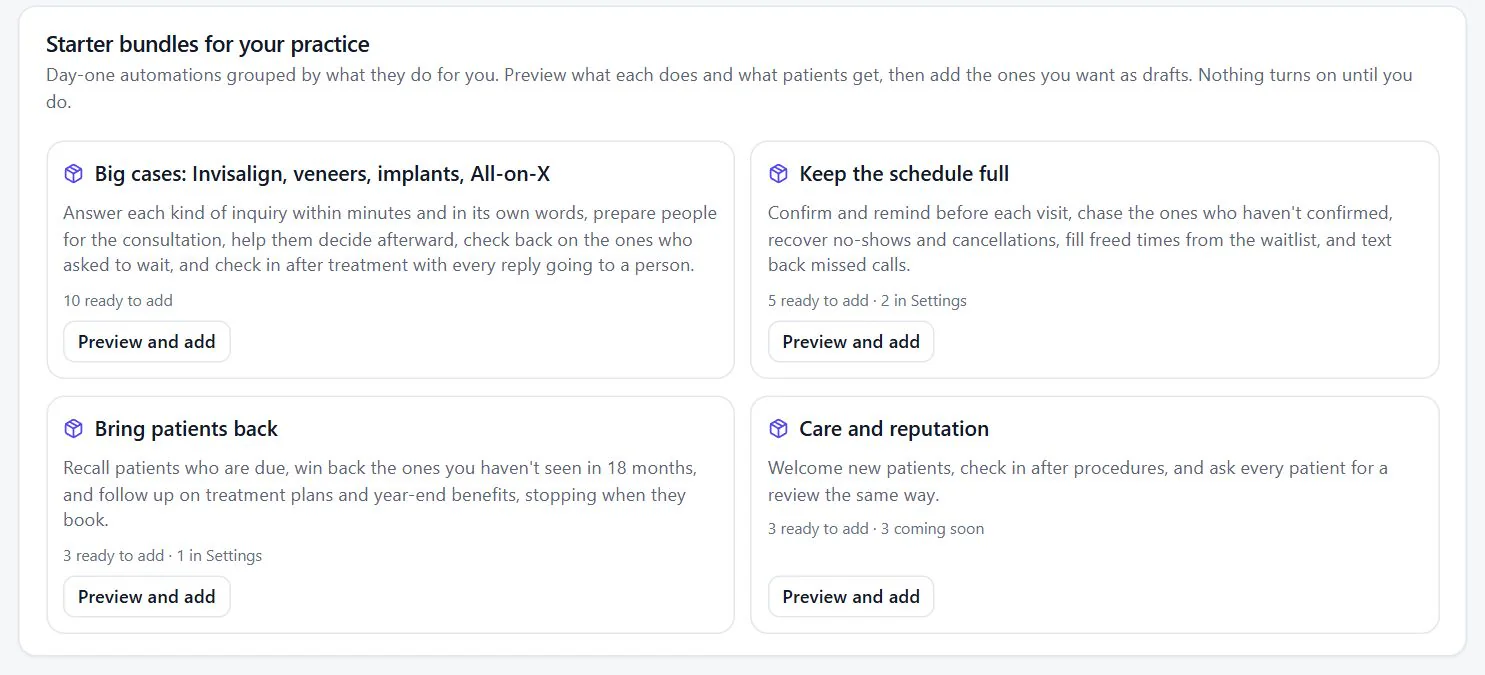
Texts never name the treatment; texting needs your own account and is in testing.
Run the day
The whole day on one screen
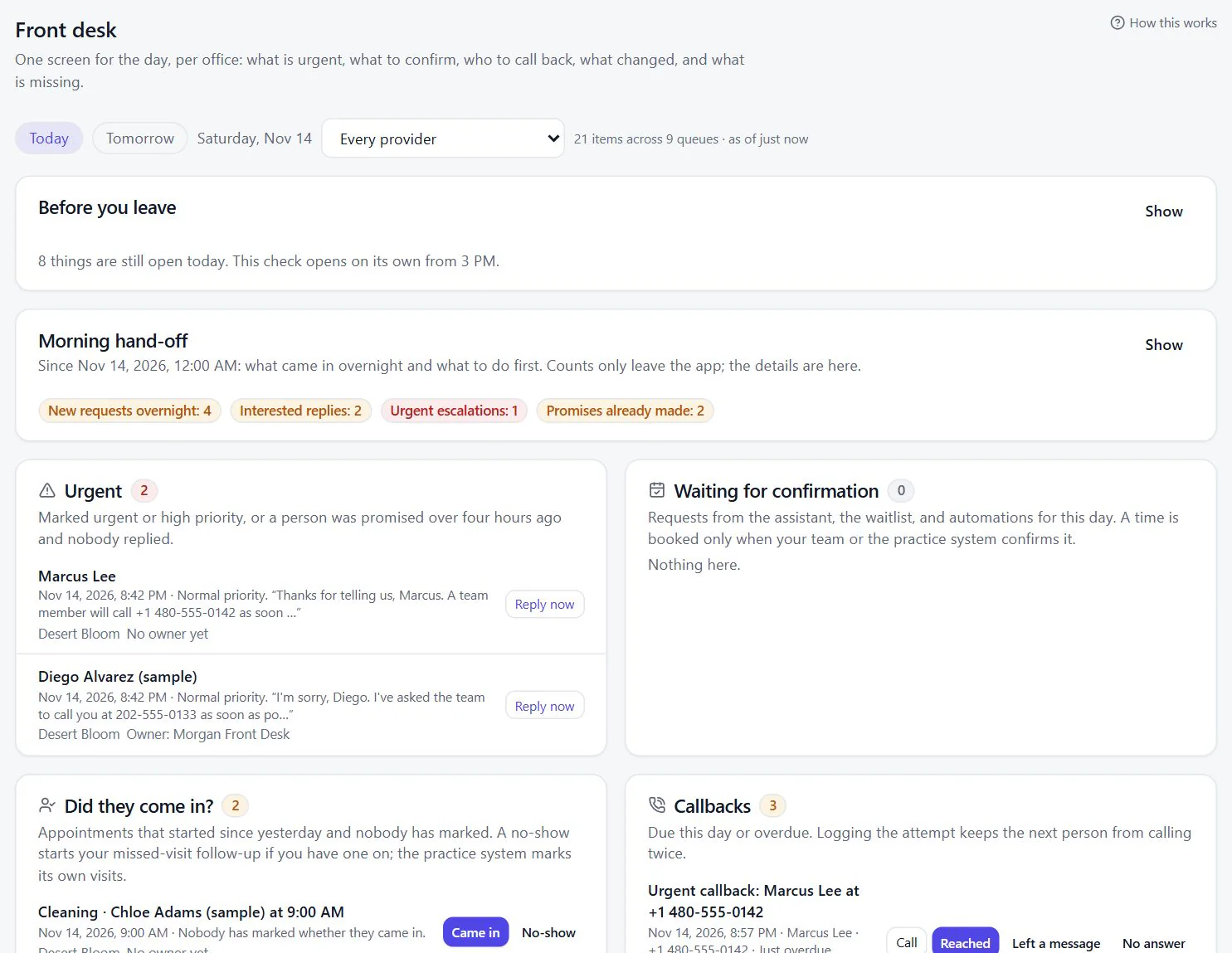
The Front desk shows each office's day: what is urgent, what to confirm, who to call back, and who hasn't been marked as arrived.
- A morning hand-off of what came in overnight
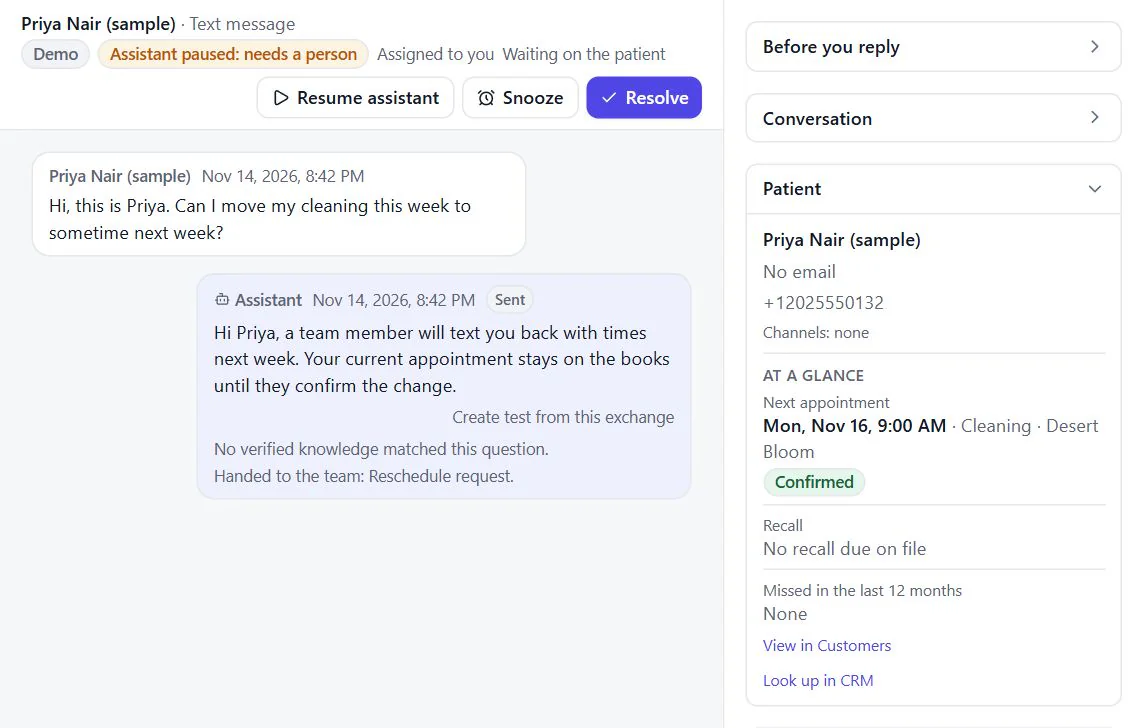
- Patient at a glance beside every conversation: next visit, recall, and missed visits
- Approvals: a person can confirm each booking before it is final
- Take over any conversation; the assistant waits until you hand it back


Know what it did
What it did, counted from your own records
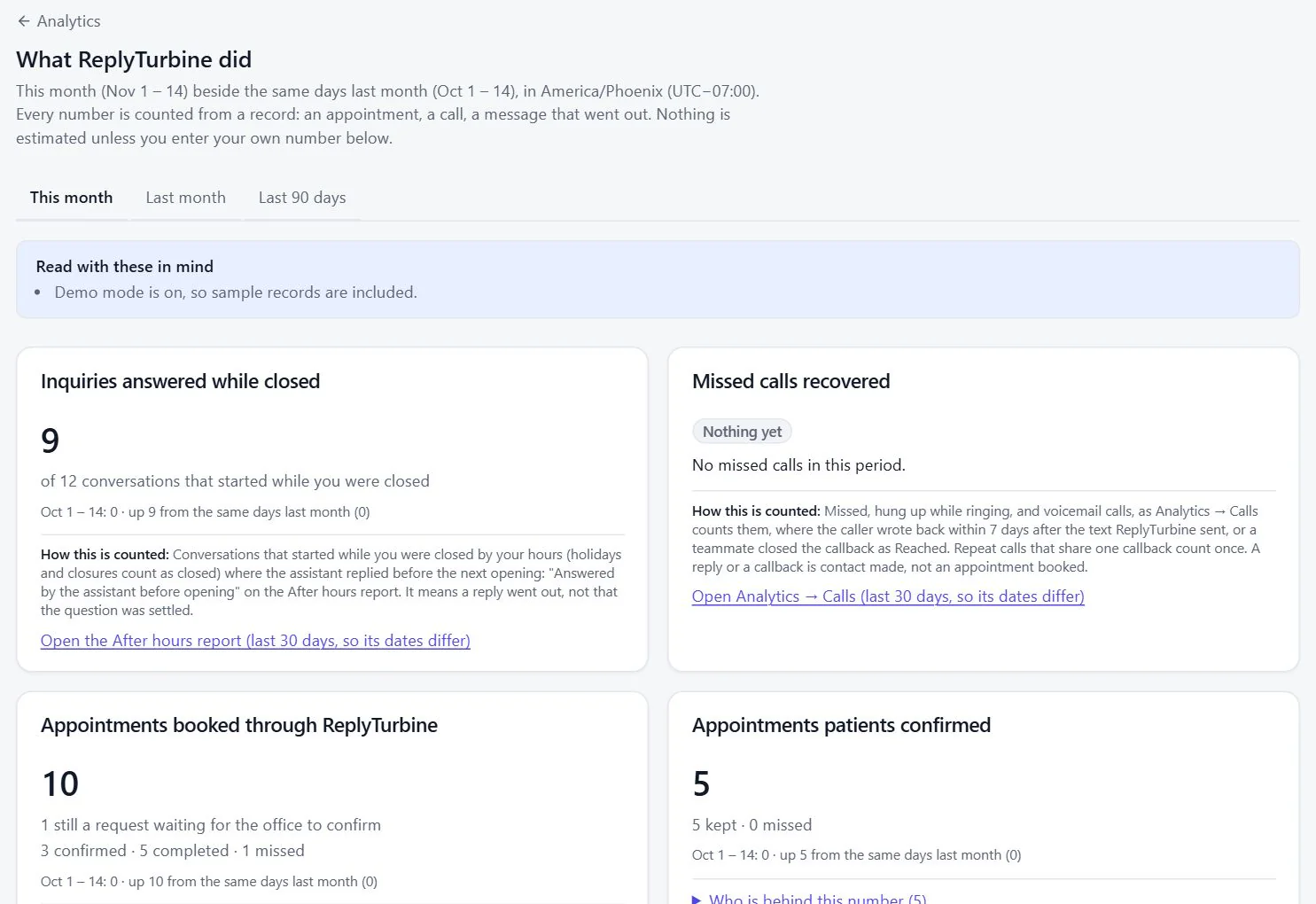
The Results page counts what happened: inquiries answered while you were closed, visits booked and confirmed, patients brought back. Each number shows how it is counted and who is behind it.
- Every number comes from a record: an appointment, a call, a message that went out
- Nothing is estimated unless you enter your own figure
- This month beside the same days last month

Running several offices?
Each office keeps its own hours, booking page, and front desk. You see every office in one place, with the one furthest behind first.
What it never does
- Diagnose or interpret symptoms
- Confirm insurance coverage or a patient's cost
- Change or cancel a visit on its own
- Send to someone who opted out
Before you use it with patient information, talk to us about a business associate agreement. We don’t claim HIPAA compliance or any certification.
How it works
Three steps to your first answered question
Tell it about your practice
Your offices, hours, and visit types, or import your website. The dental starter answers wait for your review before they are used.
Try it on sample patients
Add sample patients and ask questions in the Playground. Nothing you try there reaches a real patient.
Choose what goes out on its own
Each channel answers, drafts for your approval, or stays out. Work through “Before real patients”, then turn it on.
Step by step in Help: Getting started and the Setup page. What changed lately is in the changelog.
Also set up for other businesses
Starting setups too for professional services, technology & software, automotive sales & service, and retail & e-commerce. Any other business starts from a general setup. See what each one includes or all industries.
Start with sample patients
Create a workspace, add sample patients, and test answers in the Playground before a real patient sees one.
Look around an example practice first. It's a made-up practice with sample patients. Your own setup waits for you.