

← What it does
Bring patients back
Recall invitations that stop when the patient books
Where it stands:In testing
Due dates come from your practice software or a list you import. Each patient who is due gets up to three invitations, two weeks apart, with a link that books their recall visit, and the series stops when they book.
Automations · starter bundlesDemo data

What your team does
- Import due dates on the Front desk takes a CSV file exported from your practice software. An imported list never counts as consent. Works today
- Practices on NexHealth can take recall due dates from it. In testing
- Recall due on the Front desk lists each patient who is due. Send invitation sends one now, or drafts it for approval if that's how you set recall. In testing
- When an invitation can't go yet, the row says why: consent, quiet hours, an upcoming visit, or a hold. In testing
- Turning recall on asks who gets the first invitations: everyone due now, or only patients who become due from today. Works today
- Perio maintenance can have its own timing, off until you turn it on. In testing
What patients see
- Up to three invitations a cycle, two weeks apart. Each series stops when the patient books. In testing
- Each invitation carries a booking link of their own. The page shows only their first name and last initial, and the visit goes on their own record. In testing
- A child's recall link opens the child visit's times, and a Spanish-speaking patient's link opens in Spanish. In testing
- With “Offer up to 3 open times” on, patients reply 1, 2, or 3 to book a time. It is off until you turn it on. In testing
- Patients you haven't seen in 18 months get a separate, gentler series, and a plain no ends it. In testing
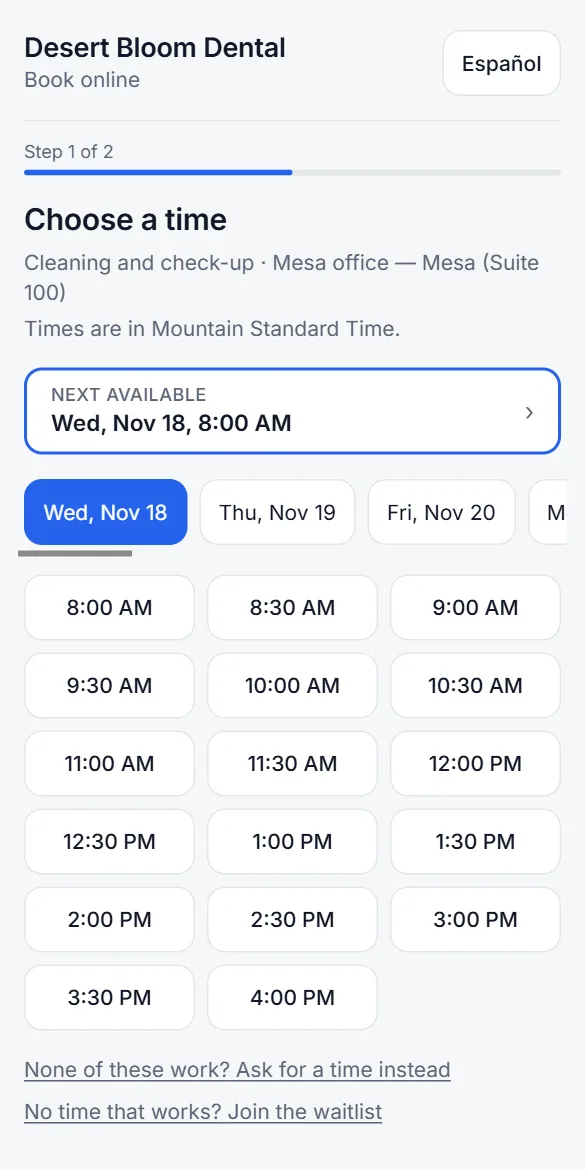
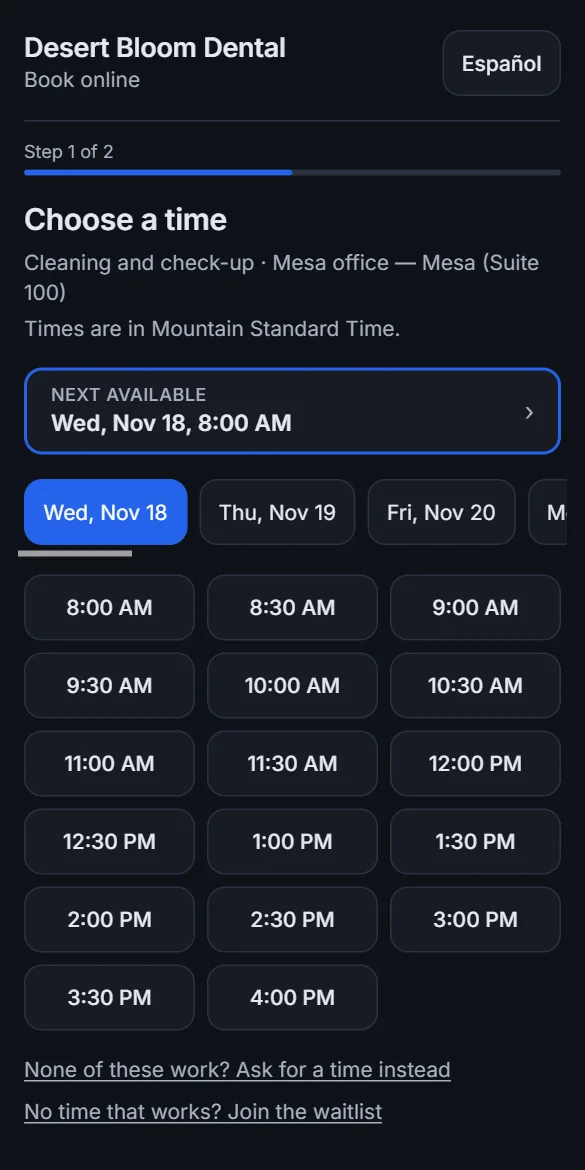
Sample practice
Your booking page
What it never does
- Invite a patient who already has a visit booked.
- Name a treatment.
- Send to a patient who asked not to be contacted.
- Invite sample patients.
What it runs on
Works today means it works without our help. In testing means built, and not yet verified with a live account. Not yet means planned.
- Texts and missed-call text-back (Twilio)In testing
- Uses your own Twilio account and number registration. In testing.
- NexHealthIn testing
- Bookings, reschedules, and recall due dates. Tested against NexHealth's published API; not yet with a live practice.
- Built-in schedulerWorks today
- Your hours, appointment types, and providers; visitors book or request a time in chat.
In Help
Questions
- Where do the due dates come from?
- From a CSV file you export from your practice software and import on the Front desk, or from NexHealth, which is in testing.
- How many invitations does a patient get?
- At most three a cycle, two weeks apart, and each series stops when the patient books. Recall texts are in testing.
- Will turning recall on invite our whole overdue list at once?
- Only if you choose that. Turning it on asks who gets the first invitations, and your daily limit spreads them out. Recall texts are in testing.
- Does a patient have to open the booking page?
- No. With “Offer up to 3 open times” on, the invitation lists real open times, and the patient replies 1, 2, or 3 to book one. The time is checked again before it is booked. Recall texts are in testing.
More of what it does
- Reminders and confirmationsReminders patients answer: a yes confirms the visit, and a change goes to your front desk.Read more
- Online booking and visit linksA booking page with real open times, and a page for each visit to confirm, move, or cancel.Read more
- Waitlist and schedule fillWhen a time frees up, matching patients get an offer that expires, and the first yes is booked.Read more
- Website chat and after hoursA chat on your website that offers real open times, and says when you open next while you're closed.Read more
- Missed-call text-backA missed call opens a callback on the Front desk, and the caller gets a text they can answer.Read more
- ReviewsEvery patient asked the same way after a visit, and a 1 or 2 star rating becomes a call from your office.Read more
- Front desk and huddleEach office's day on one screen, with the next action for every item, and a one-page huddle for the morning meeting.Read more
- Reports and ResultsWhat ReplyTurbine did, counted from your own records, and reports with one set of definitions for every office.Read more
Everything for a dental practice, on one page: ReplyTurbine for dental practices.
See it with your own practice
Tell us about your offices and the software you use, and we'll say what works for you today and what is still in testing.