

← What it does
Run the office
Ask every patient for a review, the same way
Where it stands:In testing
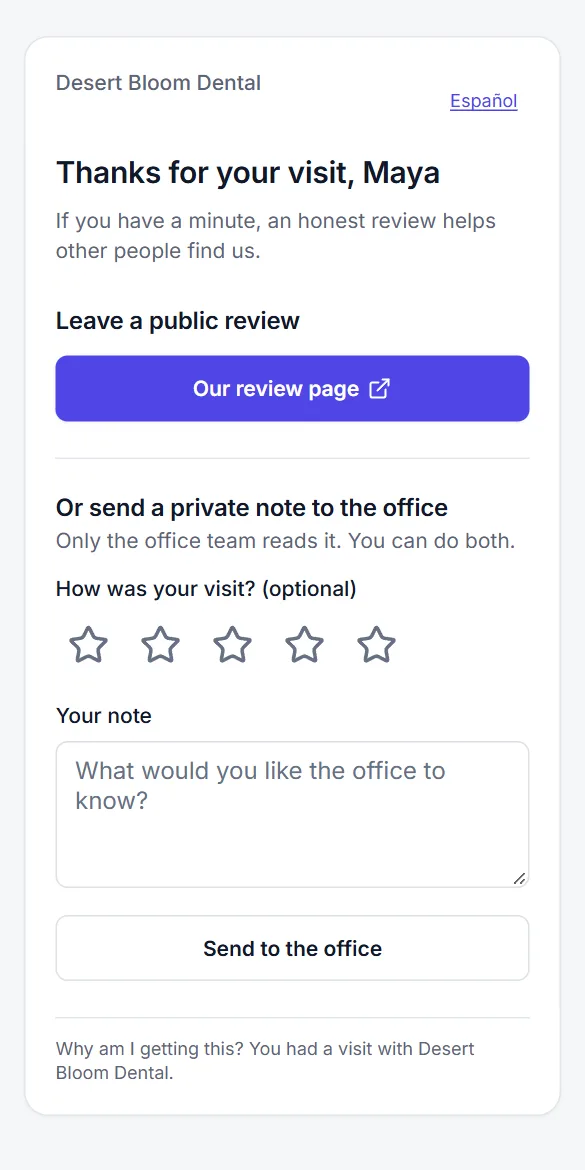
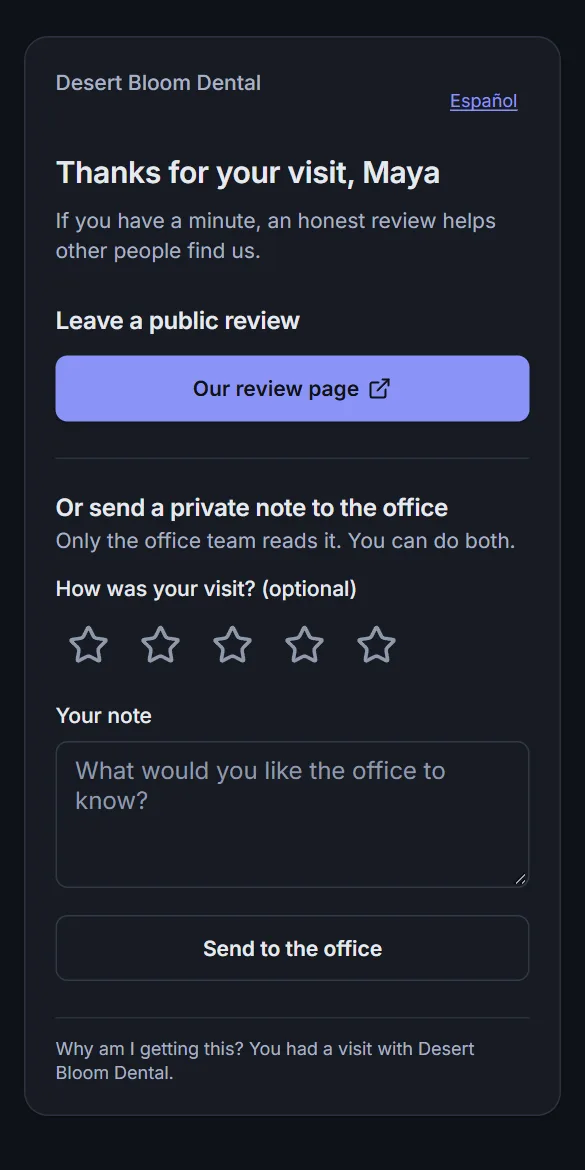
Two hours after a visit is marked as seen, each patient gets a short thank-you with a link to their review page: your review sites first, and a private note to the office beside them. Everyone is asked, and no one is screened first.
Sample practice
What your team does
- The review request is in the starter bundle “Care and reputation”. It is added as a draft and stays off until you turn it on. Works today
- Your rules are under Automations → Sending rules → Reviews and referrals: by default one request per family every four months, and the visit types, providers, or chairs to leave out. Works today
- Each office can have its own review page link, under Settings → Offices and routing. Works today
- A 1 or 2 star rating opens a high-priority ticket to call within one business day, with a notice in the app and an email. Works today
- Signs to print give each office a “How did we do?” sign with a code to scan for a review or a private note. Works today
- On the Front desk, Send review request now sends a waiting request for a patient who was just seen, after checking your review rules. In testing
What patients see
- A short thank-you text two hours after the visit, or in the 6 to 7 PM batch, with a link to their own review page. In testing
- The review page lists your review sites first, with a private note to the office and optional stars beside them. Works today
- With “Send one reminder” on, one more short text three days later if they haven't opened the page. It is off until you turn it on. In testing
What it never does
- Ask only the patients it expects to be happy: everyone is asked the same way.
- Offer anything in return for a review.
- Ask for a review in an aftercare check-in.
- Send to a patient who asked not to be contacted.
What it runs on
Works today means it works without our help. In testing means built, and not yet verified with a live account. Not yet means planned.
- Texts and missed-call text-back (Twilio)In testing
- Uses your own Twilio account and number registration. In testing.
In Help
Questions
- Why ask every patient, not only the happy ones?
- Review sites ask for that: Google's rules and the FTC's don't allow asking only the people you expect to be happy. So every patient gets the same request, and a low rating becomes a callback for your team.
- What happens after a 1 or 2 star rating?
- A high-priority ticket to call within one business day, with a notice in the app and an email. After the call, your team records how it went on the ticket.
- Do review requests need our own texting account?
- Yes. Review request texts go through your own Twilio account and number registration, which is in testing.
- Can each office use its own review page?
- Yes. Each office can have its own review page link under Settings → Offices and routing. Left blank, the one under Settings → General is used.
- Can we answer our Google reviews here?
- Not yet. A Google tab will show and answer them once Google gives ReplyTurbine access. Until then, you can try the tab with sample reviews, each marked as a sample, and nothing is posted.
More of what it does
- Reminders and confirmationsReminders patients answer: a yes confirms the visit, and a change goes to your front desk.Read more
- Online booking and visit linksA booking page with real open times, and a page for each visit to confirm, move, or cancel.Read more
- Waitlist and schedule fillWhen a time frees up, matching patients get an offer that expires, and the first yes is booked.Read more
- RecallUp to three invitations a cycle, each with a booking link of the patient's own, stopping when they book.Read more
- Website chat and after hoursA chat on your website that offers real open times, and says when you open next while you're closed.Read more
- Missed-call text-backA missed call opens a callback on the Front desk, and the caller gets a text they can answer.Read more
- Front desk and huddleEach office's day on one screen, with the next action for every item, and a one-page huddle for the morning meeting.Read more
- Reports and ResultsWhat ReplyTurbine did, counted from your own records, and reports with one set of definitions for every office.Read more
Everything for a dental practice, on one page: ReplyTurbine for dental practices.
See it with your own practice
Tell us about your offices and the software you use, and we'll say what works for you today and what is still in testing.