

Big cases: Invisalign, veneers, implants, All-on-X
Follow-ups for your biggest cases, from the first inquiry to aftercare, and the Big cases report.
On this page
Adding the follow-ups
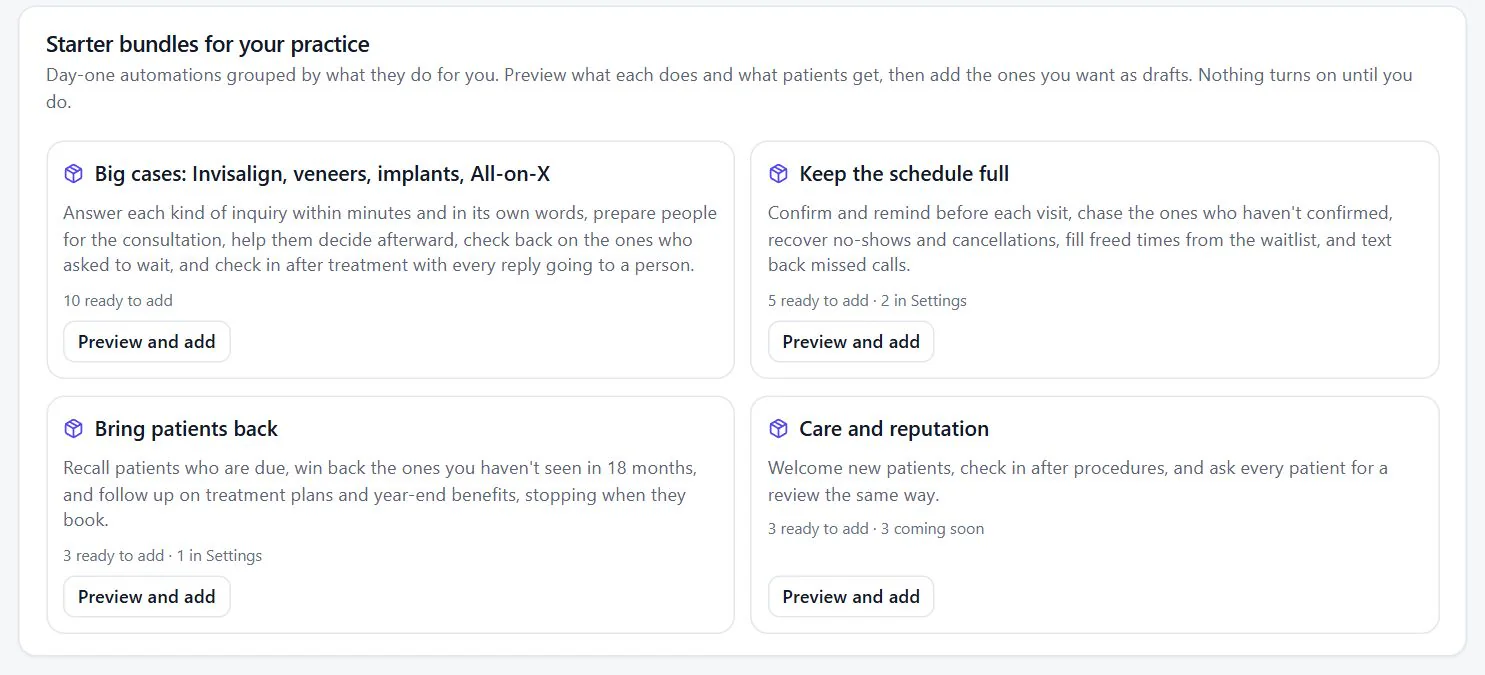
- In Automations, open the starter bundle “Big cases: Invisalign, veneers, implants, All-on-X”. It shows what each automation does and what patients get before anything is added.
- Add the ones you want. Each is added as a draft, switched off, with every message waiting in Approvals.
From inquiry to consultation
- An inquiry gets a reply 15 minutes later, inside your sending hours, then what to expect at the consultation and check-ins over about a month. All-on-X goes slower and offers a call with your treatment coordinator first.
- When a consultation is booked, the treatment coordinator is told and gets a task to call before the visit. The patient gets one text about what to bring.
After the consultation
- After a consultation is marked attended, a thank-you and help deciding follow over about seven weeks. A plan marked “Patient asked to wait” gets check-ins after one, three, and six months instead.
- Aftercare check-ins for implant surgery, aligner delivery, and veneers start by themselves once you pick those visit types under Automations → Aftercare, or a teammate starts one from the patient's record. Any reply goes to a person.
The Big cases report
- Reports → Big cases shows, for each kind of case, who asked, booked a consultation, came to it, and accepted treatment. It lists who is still open at each step.
Good to know
- Texts never name the treatment, never quote a price, and never promise a result. Questions and a yes become tasks for your treatment coordinator.
- Until a business associate agreement is recorded under Settings → Data & security, these follow-ups run on sample records only.
Was this helpful?
Still stuck? Talk to us, or see what changed lately.