

Handing conversations to your team
When the assistant steps back, and how a person takes over.
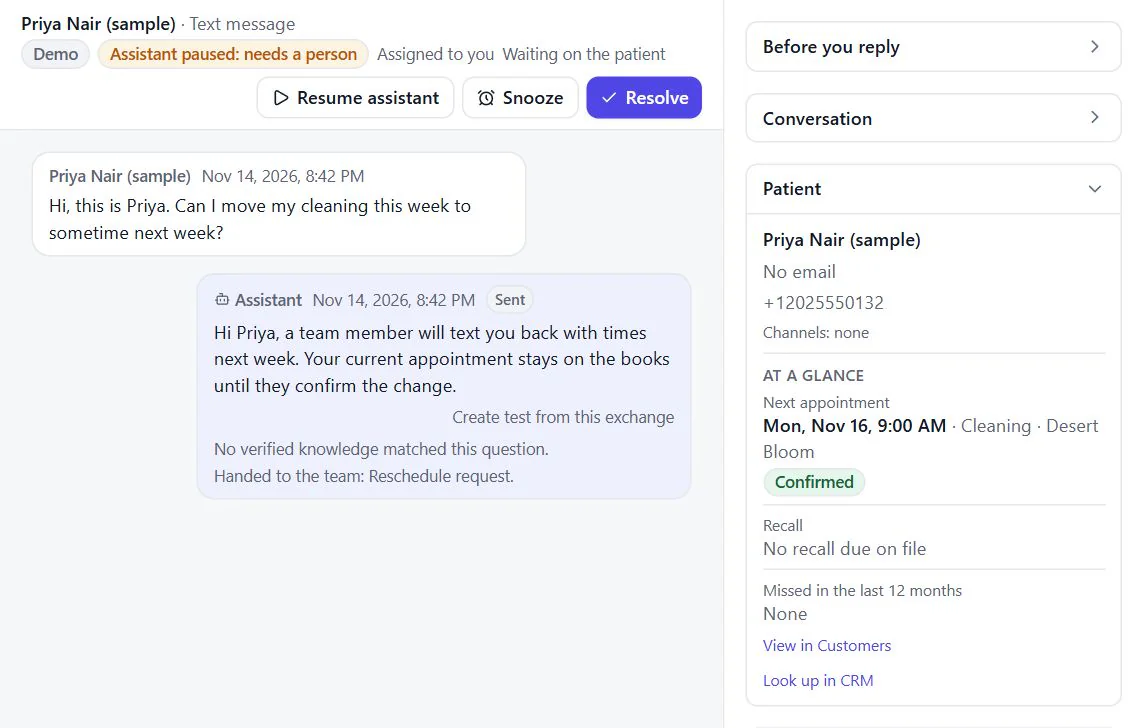
- The assistant hands off when it isn't sure, when a customer asks for a person, or when a rule says so.
- A hand-off is marked high when the customer says it is urgent or describes pain, swelling or bleeding (in English or Spanish), when one of your escalation keywords (Automations → Hand-offs and routing), a complaint or a sensitive topic set it off, or when the assistant marks it high or urgent; the emergency check sets its own. A question the assistant couldn't answer, or someone asking for a person, keeps the conversation's priority. A person promised a reply and still waiting after four hours shows under Urgent on the Front desk.
- Anyone on the team can take over a conversation with one click; the assistant stays out until it is handed back.
- Actions such as bookings or refunds wait for approval unless you allow them in AI Studio → Behavior.
Was this helpful?
Still stuck? Talk to us, or see what changed lately.